
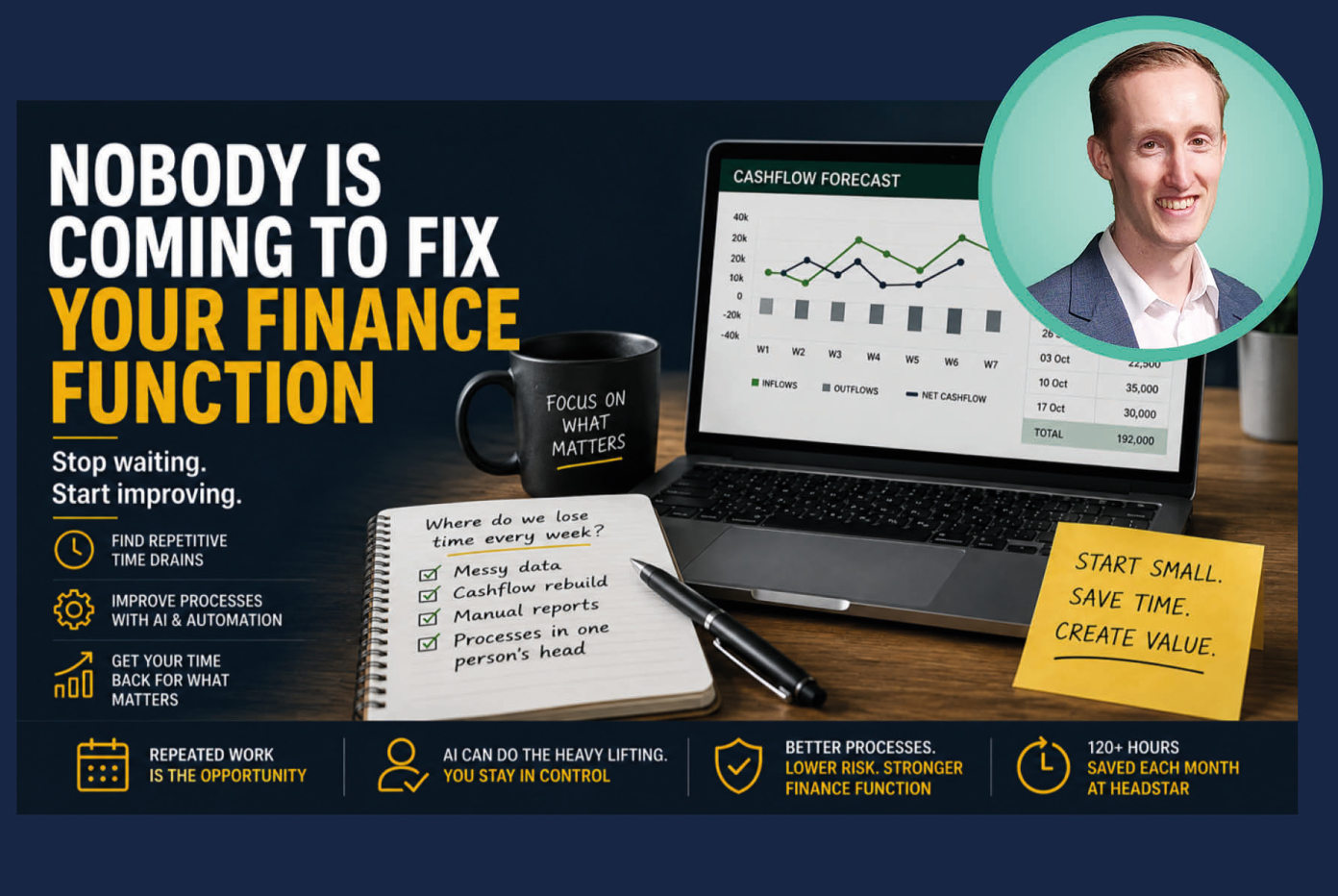
AI and automation are becoming a bigger part of the conversation in finance, but for many teams, knowing where to start is still the biggest barrier.
In his latest article, Headstar’s AI and Automation Specialist Matt Swift explains why finance leaders shouldn’t wait for the perfect tool, cleaner data or more time – and shares six practical questions to help identify where AI and automation could genuinely make a difference.
Stop waiting for the perfect time to use AI
I’ve had a lot of conversations with finance leaders about AI this year.
Different businesses. Different systems. Different-sized teams.
Very few have told me they can’t see a use for it.
That surprised me at first.
I expected more scepticism. Or at least a few people telling me it was all hype.
Instead, I found something quieter.
They’re waiting.
One is waiting for a finance-specific tool because the firm-wide AI rollout doesn’t feel relevant to finance.
Another is waiting for their system provider to release the features on its roadmap.
One wants the data cleaned up first because there’s no point using AI on numbers they don’t trust.
Another would be keen, but nobody has raised it internally.
And plenty are waiting for the day job to ease off enough to give them time to look at it.
Every one of those positions is reasonable.
I’d probably say the same in their seat.
The problem is that they all create the same outcome.
The risk is that another quarter goes by and you’re still in exactly the same place.
Realistically you’re unlikely to find a tool that understands your month-end process straight out of the box. The vendor update may arrive, but somebody will still need to learn it, configure it and work out where it fits.
The data will never be completely clean.
And there is no version of next quarter where the finance team suddenly has a spare fortnight.
Nobody is coming to fix the finance function for you.
Ask a better question
A lot of conversations start with: Where could we use AI?
That is a difficult question when you don’t know what the technology can do.
I’d ask something simpler: Where does the team lose time every week doing the same job in the same way?
Your team can probably answer that in ten minutes.
It doesn’t require anyone to understand AI.
It directs your attention away from finding the perfect tool and towards considering how to improve the actual work.
And it usually gives you a shortlist you can do something with.
Here are the types of things that tend to come back.
1. Turning messy data into something usable
Every finance team has a file that arrives in the wrong shape.
A supplier statement. A bank export. A sales report from a system that doesn’t speak to the ledger.
Someone spends an hour renaming columns, removing blank rows, changing formats and putting it into the right template before the real work can begin.
That first pass can be a good use of AI or basic automation.
The output is clear. The task happens regularly. And a person can check the result before it goes anywhere important.
The point here is simply to get the information into a usable shape, with someone in finance still making the decision.
2. Rebuilding the cashflow forecast every week
For a lot of finance teams, cashflow forecasting is still a manual job.
The numbers are spread across different places. Bank balances in one file. Aged debt in another. Supplier payments, payroll, VAT and sales expectations somewhere else.
So, before anyone can make a judgement, somebody has to pull it all together, clean it up and check the formulas still work.
AI can take some of that legwork away.
It can help build the structure, put the data into consistent categories, spot gaps and improve the formulas without somebody starting again from a blank spreadsheet.
You still need someone in finance deciding what goes in and checking what comes out.
But they spend less time building the forecast and more time understanding what it is telling them.
3. Writing down the process that lives in one person’s head
Most finance teams have at least one job only one person knows how to do.
Not because it is especially difficult.
The rules have simply never been written down.
So when that person is on holiday, off sick or leaves the business, everyone discovers how dependent the process was on them.
Sit with them. Talk through what they do. Record the steps, decisions and exceptions. Then turn that into something another person could actually follow.
On the surface, that is a documentation job. But it is also about business continuity – reducing the risk that important processes depend on one person being available. And if you eventually want to automate the process, it is usually the necessary first step.
You cannot automate something nobody can clearly explain.
4. Getting more out of the system you already pay for
This one often isn’t AI at all.
A client of ours found someone spending around an hour every morning setting up reports that the existing system could have produced automatically.
Some of the best wins are surprisingly simple:
- Settings that were never switched on.
- Reports nobody knew could be scheduled.
- Data being rekeyed between two tools that already integrate.
- A manual check being carried out because nobody has reviewed the process for five years.
What matters is whether using AI or automation can save people from spending time on work they shouldn’t need to be doing manually.
We started with our own finance team
We did this work inside Headstar before talking to other finance teams about it:
- Four forecast spreadsheets became one platform.
- The daily cashflow stopped being entered by hand.
- The credit control chase list now sorts itself.
Across the business, the changes we have introduced are now saving more than 120 hours each month.
We practise what we preach.
And crucially, we started by looking at where people were repeatedly losing time, rather than which AI tool we should buy.
Before you automate anything
Not every annoying manual job needs automating. There are a few things I’d check before spending much time on one.
1. Does it happen often enough to matter?
If it takes someone an hour once a year, leave it alone. If they’re doing it every morning or every week, it’s probably worth a look.
2. Is the input reasonably consistent?
You need some consistency in what goes into the process. If the file or request is completely different every time, it becomes much harder to make the automation process reliable.
3. Is there a clear output?
Be clear about what ‘done’ actually looks like. “Better insight” is vague. “The cashflow is updated and ready to review every Monday morning” gives you something you can work with.
4. Does someone own the process?
Someone still needs to own it. Otherwise, when something changes or stops working, there’s a good chance nobody notices.
5. Would getting the time back change anything?
This is worth being honest about. If you save five hours a week, what will the team actually do with them?
Will it create more capacity for analysis, forecasting and commercial support?
Or will another manual task quietly take its place?
6.Could someone else follow the process as it stands?
Finally, give the process to another competent person and see whether they can follow it. If they can’t, you probably need to sort the process out before trying to automate it.
What AI will not fix
AI will not fix poor supplier or customer data.
It won’t make inconsistent supplier data reliable, or invent references that were never there in the first place.
It will not always be worth using where volumes are low because the setup may outweigh the saving.
It will not make the awkward call to your largest customer.
It will not decide which supplier relationship can take pressure and which one cannot.
And it will not rescue a process the team itself does not understand.
If the rules are unclear to the people doing the job, they will probably be unclear to AI too.
There is also still a need to check the work.
Someone told me about using AI to build a fixed-asset ageing profile while reviewing an acquisition target.
It produced a useful first draft, but it also missed a couple of material vehicle additions across the three-year period. They were picked up when somebody reviewed the work.
That’s a pretty good example of where I think AI sits in finance at the moment. It can get you a long way and produce a decent first draft quickly, but you still need someone in finance who knows what they’re looking at to check the work afterwards.
Start smaller than an AI strategy
You probably don’t need an AI strategy before you begin.
I’d start with one repeatable job that takes up too much of the team’s time and see if you can improve it over the next month. Choose something repetitive, relatively low risk and easy for somebody to check.
Get that working properly, then use what you learn on the next one.
See one example happen live
Cashflow forecasting is a good place to start because it is important, repeated regularly and easy for a finance professional to check.
On Wednesday 16th September, 12.30pm to 1.30pm I’m running a free Zoom webinar where I’ll build a better Excel cashflow forecast live in 15 minutes using AI.
I’ll show the full process, the prompts behind it, where human judgement still matters and how to use AI without putting company data at risk.
It won’t be an hour of slides about why AI is important.
It will be one real finance task, done differently.
Register here:
https://zoom.us/webinar/register/WN_7EJlABPfQK21hqIn2m2OJg#/registration
Following the webinar, attendees will have the opportunity to apply for one of a limited number of free AI in Finance Consultations, worth £250. These will look at your current finance processes, where AI and automation could add the most value, and the most practical next steps.
About the Author
Matt Swift is Headstar’s AI and Automation Specialist and works exclusively within the finance profession as a recruiter.
Alongside Headstar’s finance leadership team, Matt has helped implement AI and automation solutions that are currently saving more than 120 hours every month across the business. His work has included improving forecasting processes, enhancing management reporting, automating credit control activities and creating dashboards that provide greater financial insight with less manual effort.
Matt regularly works with tools including Claude, ChatGPT Enterprise, Microsoft Copilot, n8n, Zapier and Microsoft Excel, and has completed the Claude Code in Action certification.
Most importantly, his approach is grounded in real-world experience. The solutions and techniques he shares have been tested and implemented within a real business environment alongside qualified Finance Directors.
